

The TabBundle blog
A little less tab clutter.
How to keep useful tabs, switch between what you’re doing, and find your way back.
Guides for everyday browsing
4 articles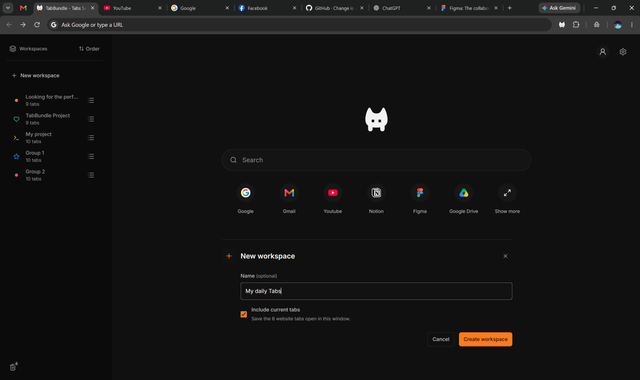
Chrome guides
How to save tabs in Chrome and come back to them
Bookmark a set of links, close a saved Chrome tab group, or switch between groups in TabBundle. Choose what should be waiting when you return.
Everyday browsing
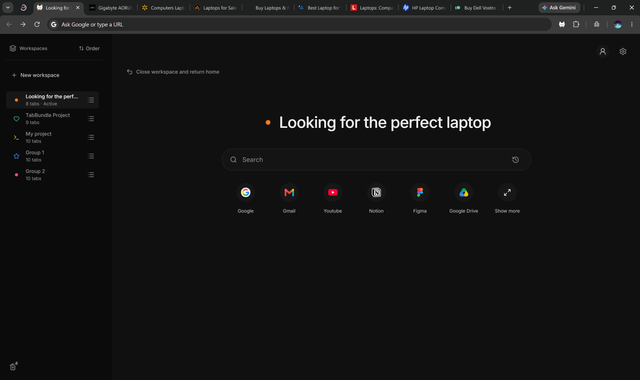
Too many tabs open? Start with the task you want to finish
A practical way to separate laptop research, everyday sites, and unfinished tasks without keeping every tab in front of you.
Choosing a method
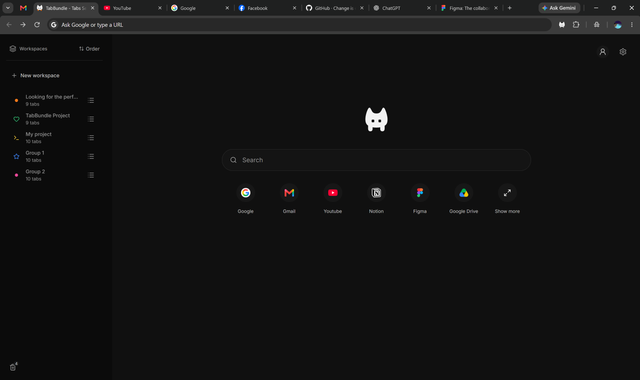
Tab groups or bookmarks: what do you need to keep?
A bookmark keeps a useful destination. A tab group keeps related pages together. Here is how to choose for a task that changes while you browse.
Recovery
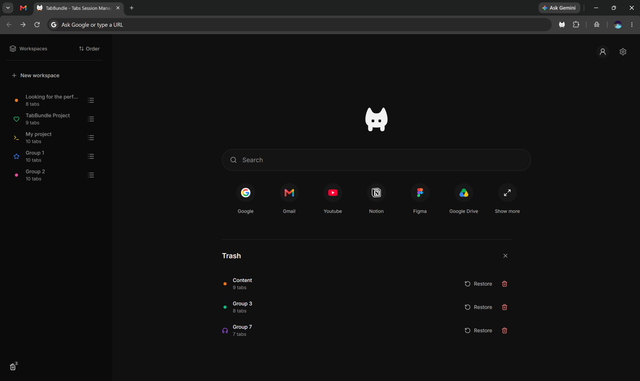
How to reopen a closed tab in Chrome
Use the reopen-tab shortcut first. If you deleted a TabBundle group, check Trash. The recovery steps depend on what you closed or deleted.
Written by TabBundle
About these guides
We make TabBundle, a browser extension for moving between your own groups of tabs. These guides explain the choices, the steps, and the limits—whether you use TabBundle or your browser’s built-in tools.
Get to know TabBundle